Users
The Caretaker
A Caretaker is a parent, family member, teacher, therapist, or support person who helps someone they care about stay in the conversation.
You handle the complicated stuff. The Communicator gets the simple stuff.
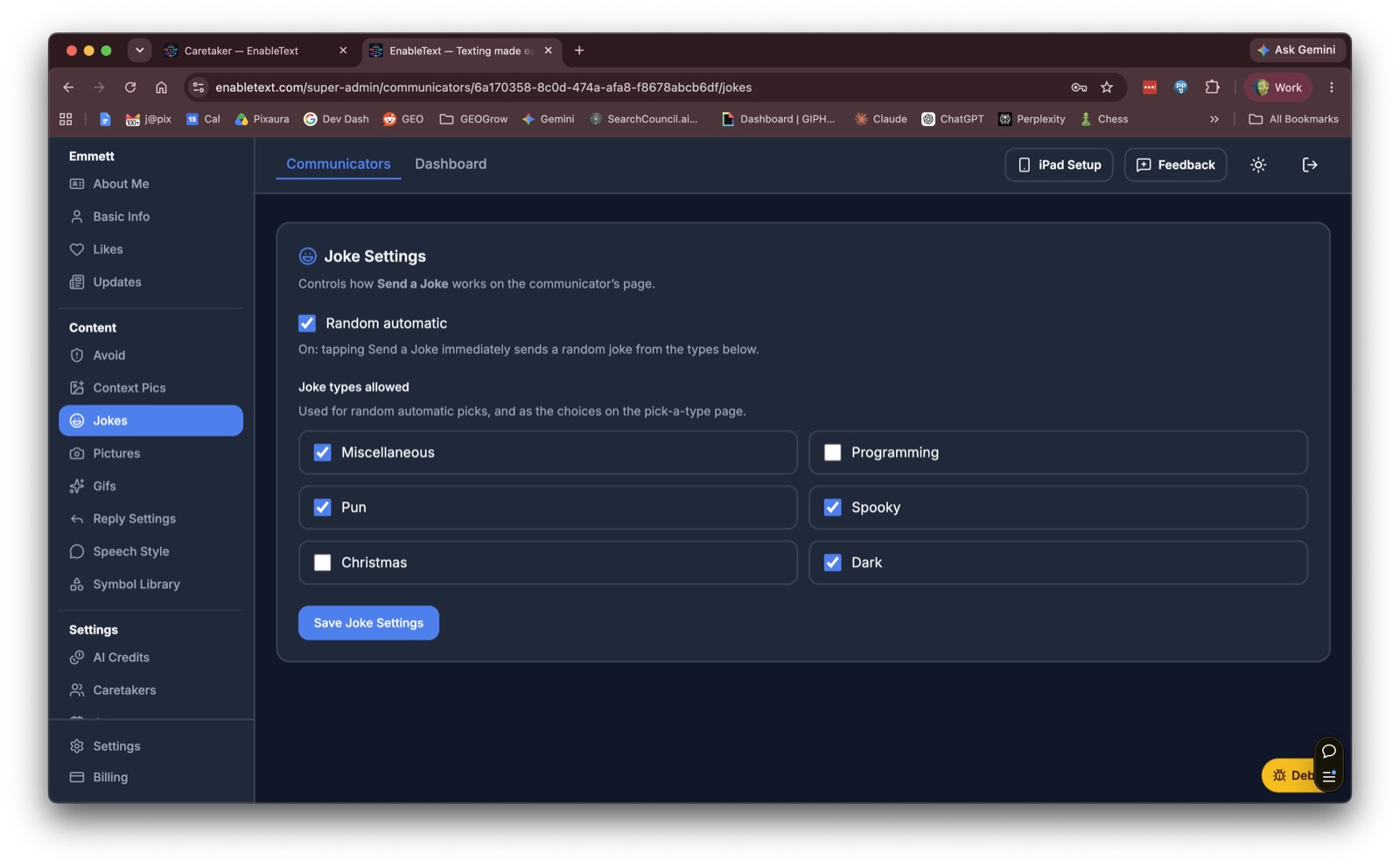
Through the Power to Connect Portal, a Caretaker sets who can chat, what pictures and jokes are available, how replies work, and what Contacts can see — without making the iPad harder to use.
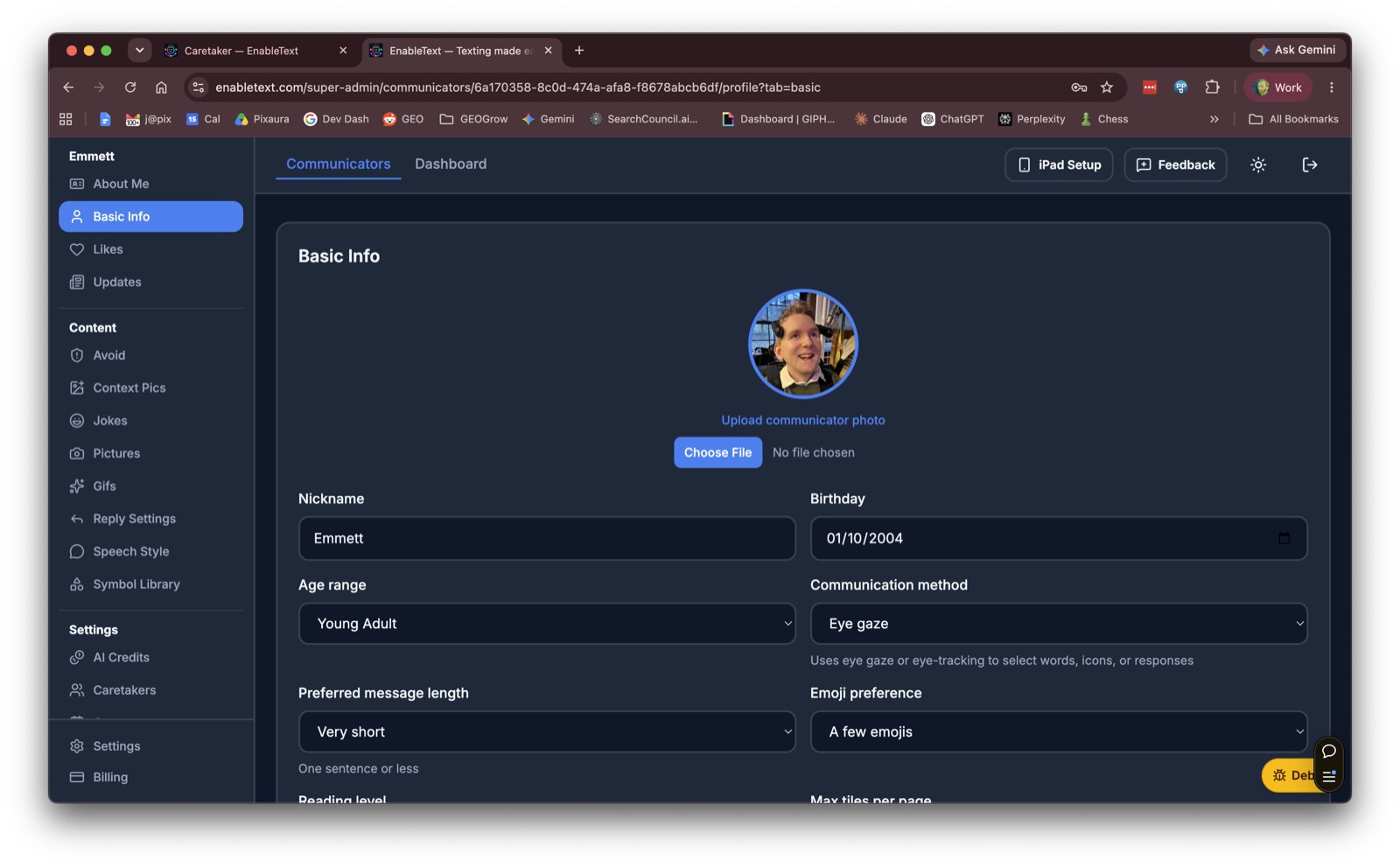
Info about the Communicator
Name, photo, birthday, how they communicate, how long a message should be. The basics so Power to Connect sounds like them.
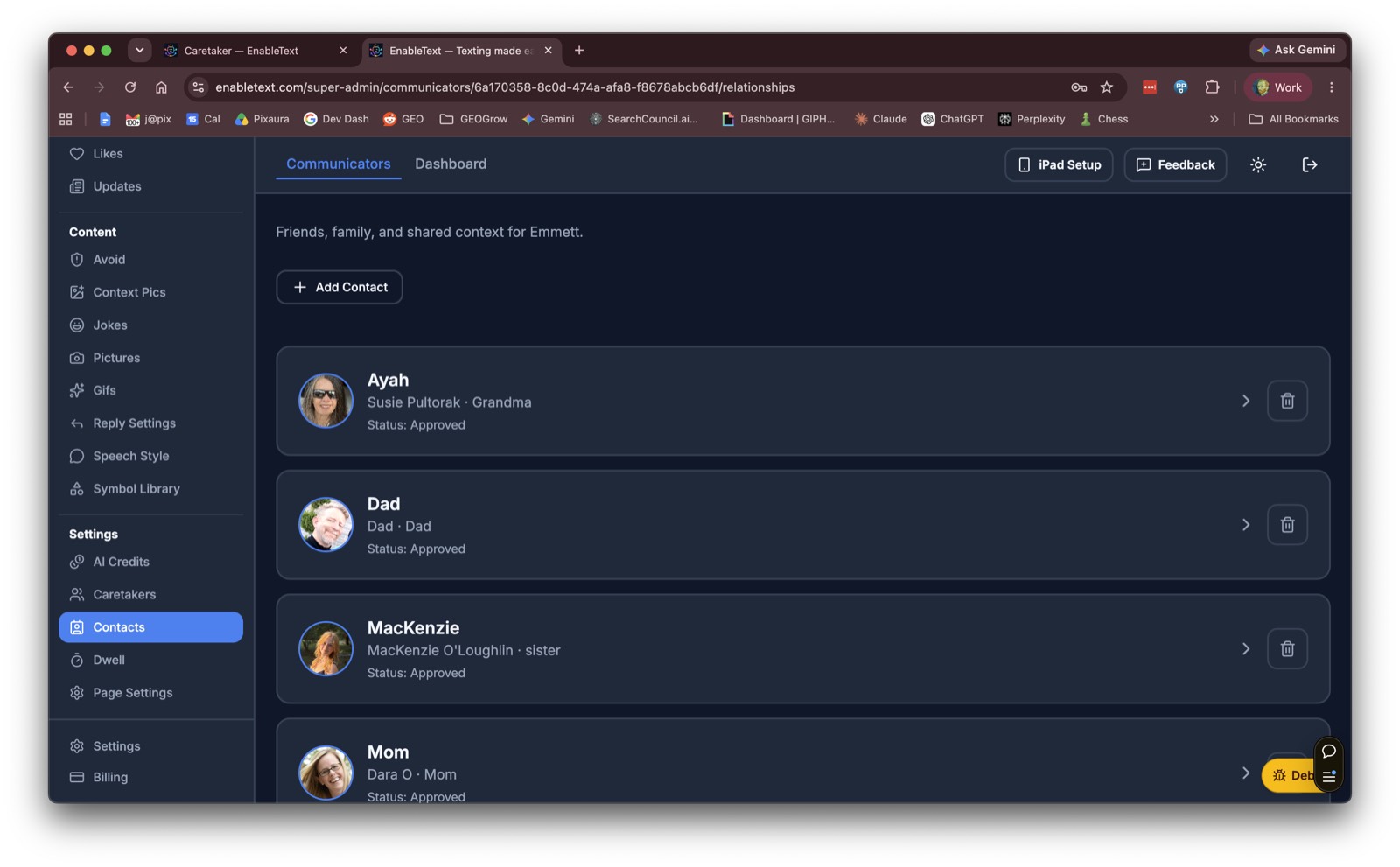
Who can chat with the Communicator
Add the friends and family in the Circle. Each Contact is a face the Communicator can choose — and a person who can text back.
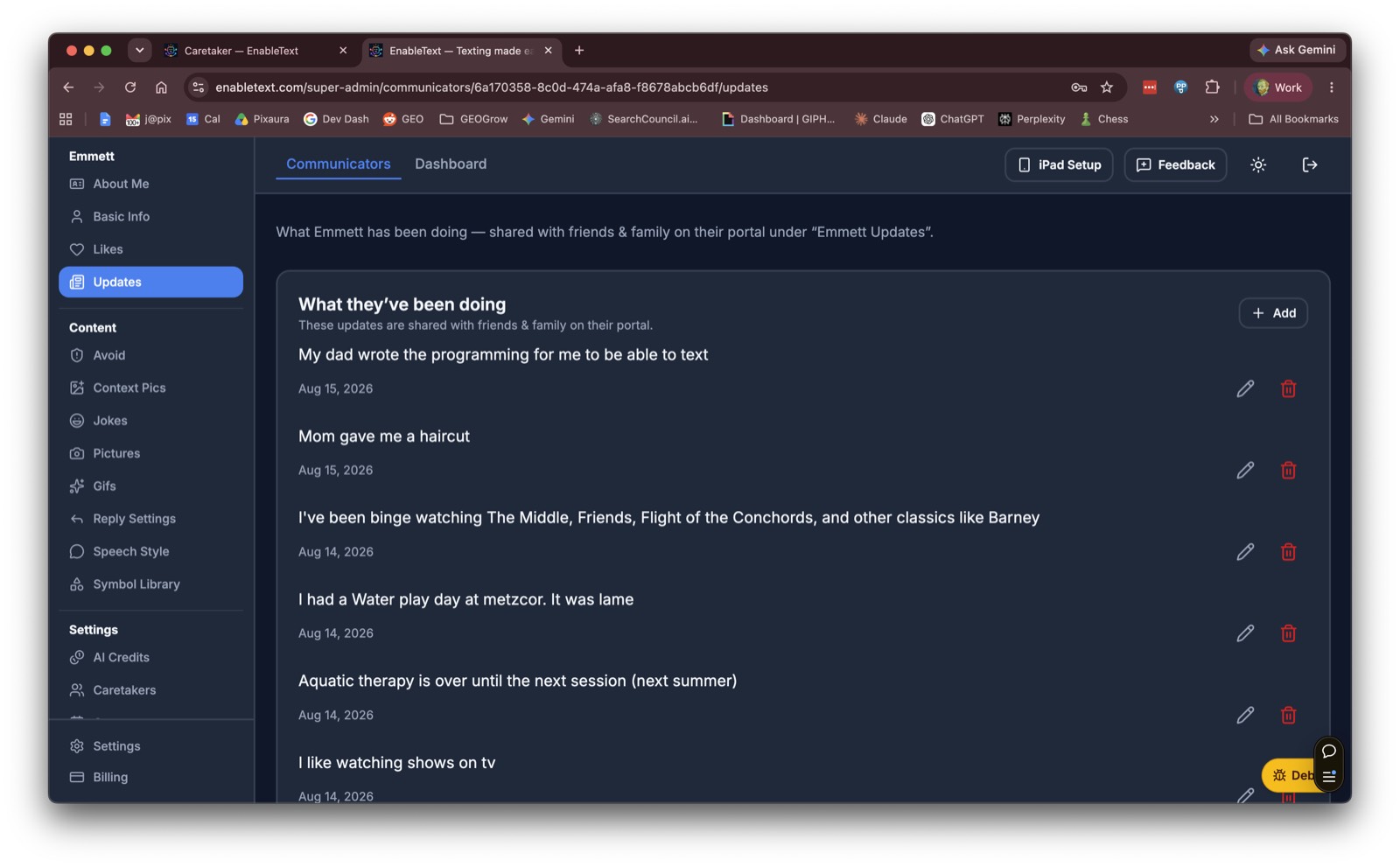
Updates about the Communicator
What they’ve been up to — things Contacts might want to hear, and things the Communicator can share.
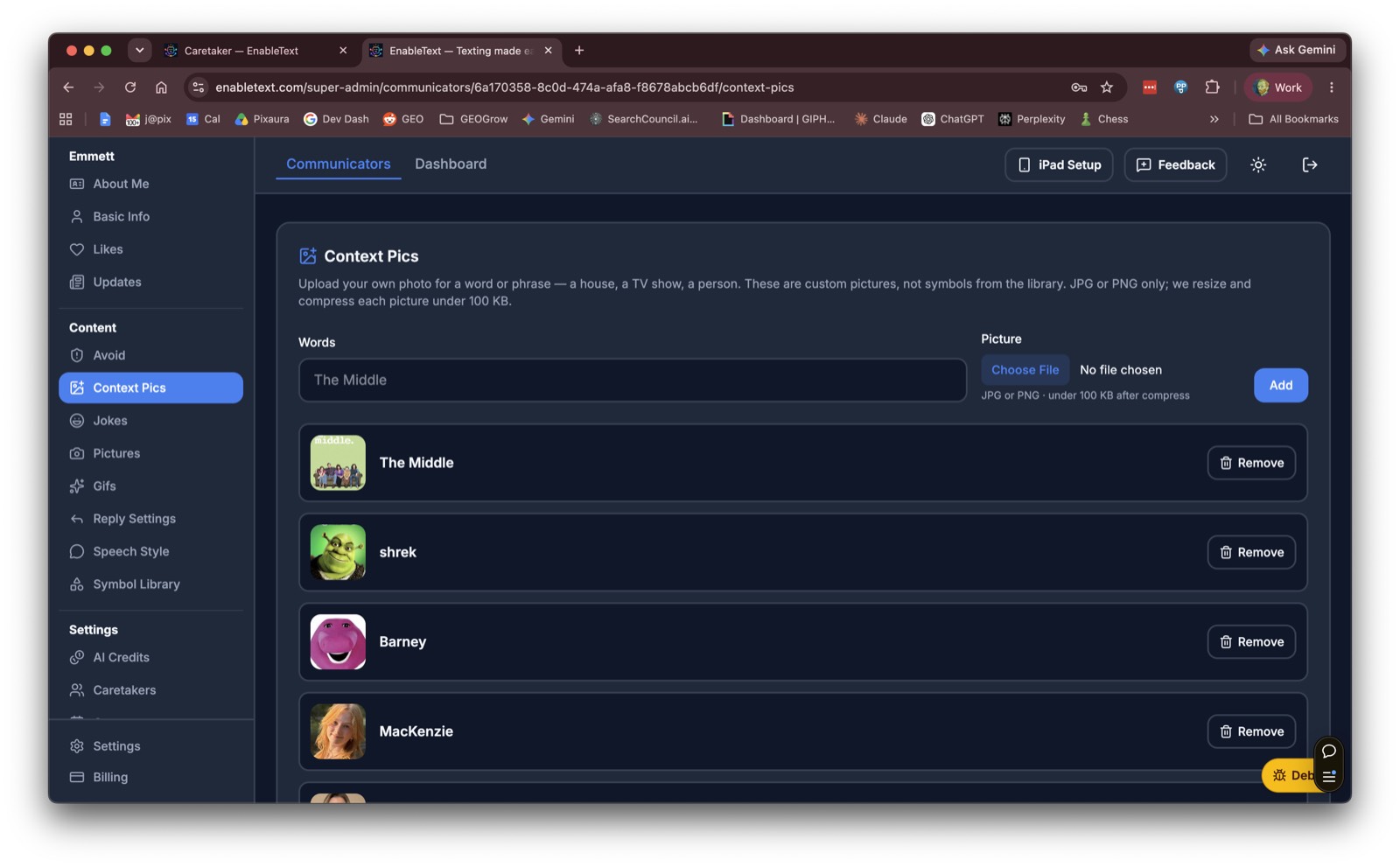
Pics to use when mentioned
Photos tied to people, places, and things. When a conversation mentions them, Power to Connect can show the right picture.
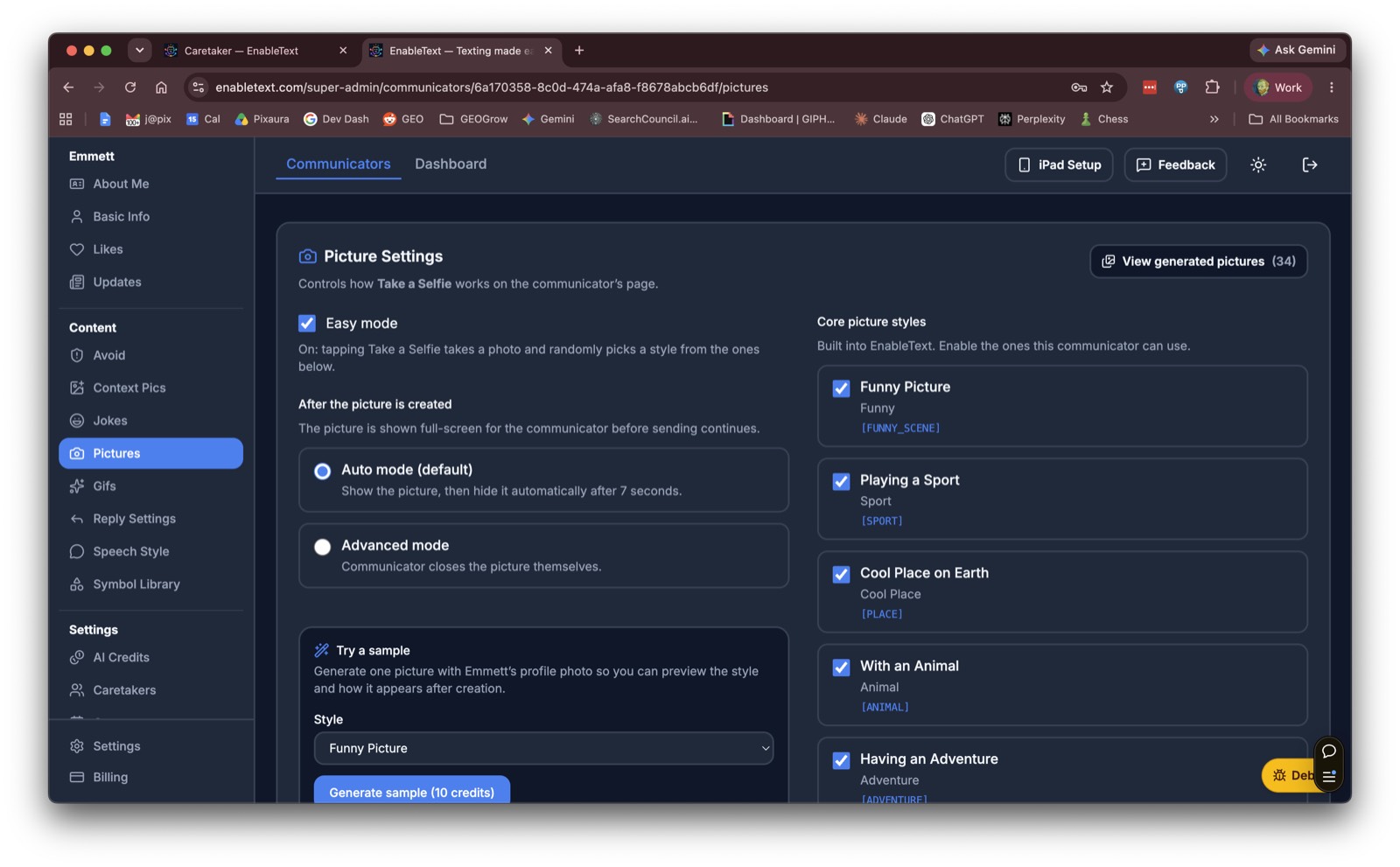
AI Picture Control
How funny pictures get made — styles, scenes, and what the Communicator can turn a selfie into.
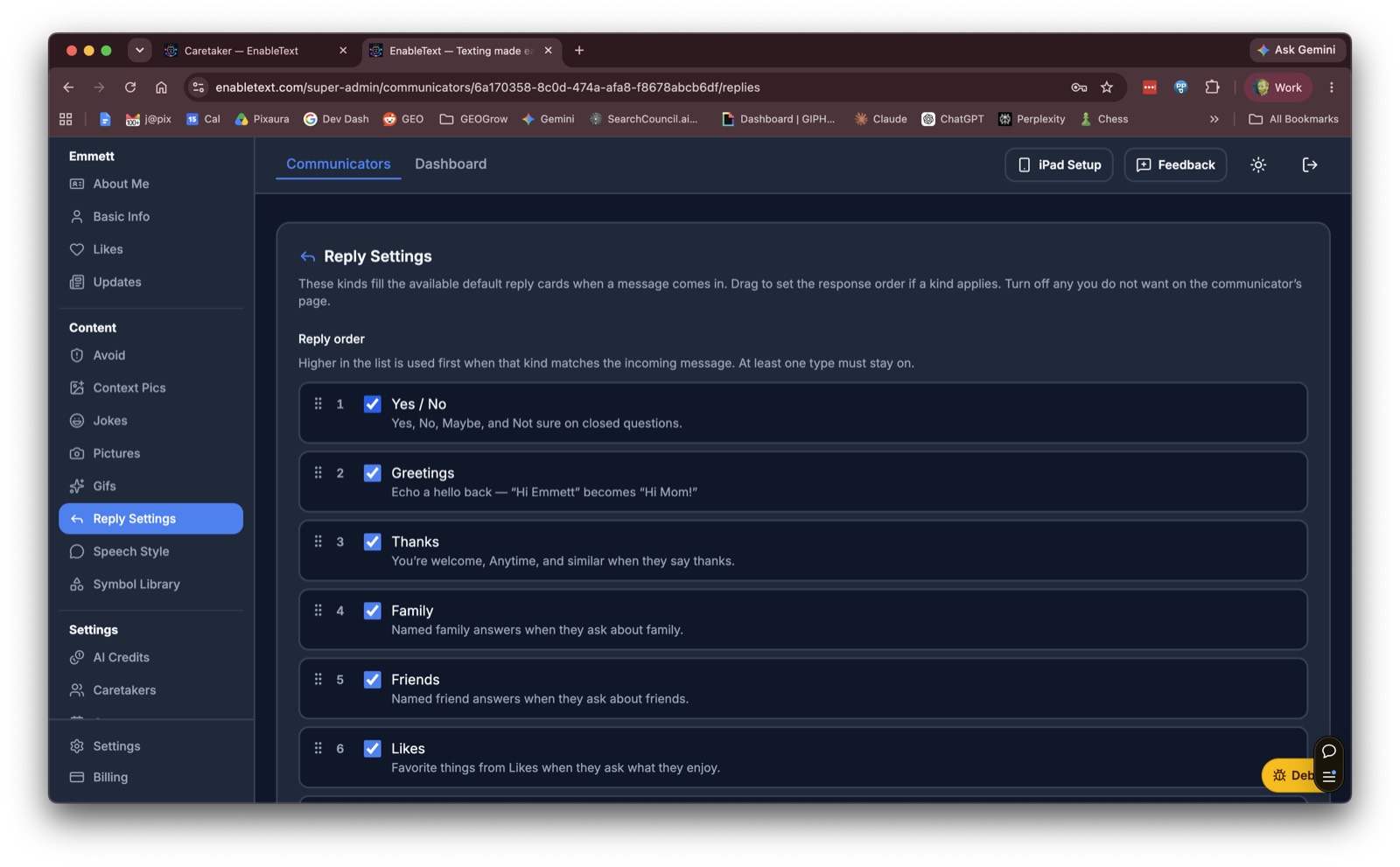
Reply logic
How Power to Connect builds those contextually aware replies — so the Communicator still chooses, and the suggestions stay on track.
You provide the people and the memories. Power to Connect helps turn them into conversations the Communicator can start and answer on their own. The Caretaker doesn’t have to sit in the middle of every message.